
<p>More shoppers now ask ChatGPT "what is the best X for Y" instead of typing it into Google, and if your Shopify store never shows up in those answers you are invisible to them. The direct answer: you cannot pay for a ChatGPT recommendation, but you can earn one by connecting your catalog through Shopify's own ChatGPT channel, keeping product data clean and crawlable, and publishing pages on your domain that answer the questions shoppers actually ask. ChatGPT search pulls from a web index that leans on Bing, so getting indexed there matters as much as Google. This guide walks through the seven steps in the order a small US store should do them, with the exact Shopify admin screens and the free tools involved. Expect the first citations in weeks, not days.</p>

<h2>Quick answer</h2> <p>To get a Shopify store recommended by ChatGPT, connect your catalog through Shopify's ChatGPT sales channel if it is available to you, make every product page public with accurate titles, prices, availability and structured data, get your pages into Bing's index with Bing Webmaster Tools and IndexNow, and publish question-answering content on your own domain (a weekly blog article and a customer community page). ChatGPT recommends stores it can read, verify and quote, so the work is mostly about being crawlable and specific.</p>
<h2>Step by step</h2>
<h3>1. Turn on Shopify's ChatGPT channel</h3> <p>In Shopify admin, open the Sales channels section in the left sidebar and click the plus button to see what is available. Shopify has been rolling out a ChatGPT channel and what it calls agentic storefronts, which let eligible merchants surface their catalog, and in some cases checkout, inside ChatGPT. Availability depends on your region, plan and catalog, so if you do not see it yet, you still benefit from every other step below. When it is available, connect it, pick the products you want listed and keep the channel's product requirements (price, image, shipping and return policy) complete.</p>
<h3>2. Apply to OpenAI's merchant feed program</h3> <p>OpenAI runs a merchant product feed program built on the Agentic Commerce Protocol (ACP). Merchants can submit a product feed so ChatGPT shows current prices, availability and promotions instead of guessing from a cached page. Shopify's channel handles most of this for you, but if you sell on other platforms too, read OpenAI's merchant documentation and submit a feed that matches what Shopify exports.</p>
<h3>3. Make your catalog readable by AI crawlers</h3> <ul> <li>Remove the storefront password: Online Store, Preferences, Password protection.</li> <li>Check yourstore.com/robots.txt. Shopify's default does not block OpenAI's search crawler (OAI-SearchBot), but if you edited robots.txt.liquid make sure you did not block it or PerplexityBot.</li> <li>Write product titles that say what the product is (material, size, use), not just a brand name.</li> <li>Fill in brand, GTIN or barcode, weight and variants. Shopify themes such as Dawn output Product structured data from these fields.</li> <li>Keep one public policy page each for shipping and returns. AI answers quote them when comparing stores.</li> </ul>
<h3>4. Get indexed by Bing, not only Google</h3> <p>ChatGPT search relies on a web index that leans on Bing. Open Bing Webmaster Tools, choose import from Google Search Console (fastest), then submit yourstore.com/sitemap.xml. Turn on IndexNow so new URLs are pinged the moment they go live. Many Shopify SEO apps and Yourmunity send IndexNow pings automatically; if yours does not, Bing Webmaster Tools lets you submit URLs by hand.</p>
<h3>5. Publish answers on your own domain</h3> <p>ChatGPT quotes pages that answer a question directly. Use the built-in Shopify blog (Online Store, Blog posts) and publish one article a week that answers a real buyer question about your products: "which size", "how to clean", "X vs Y". Put the answer in the first two sentences, add a short table and a five-question FAQ. If writing weekly is not realistic, apps like autoBlogger, BlogPilot AI, BlogSEO AI or Yourmunity Pro draft product articles for you; read every draft before it goes live.</p>
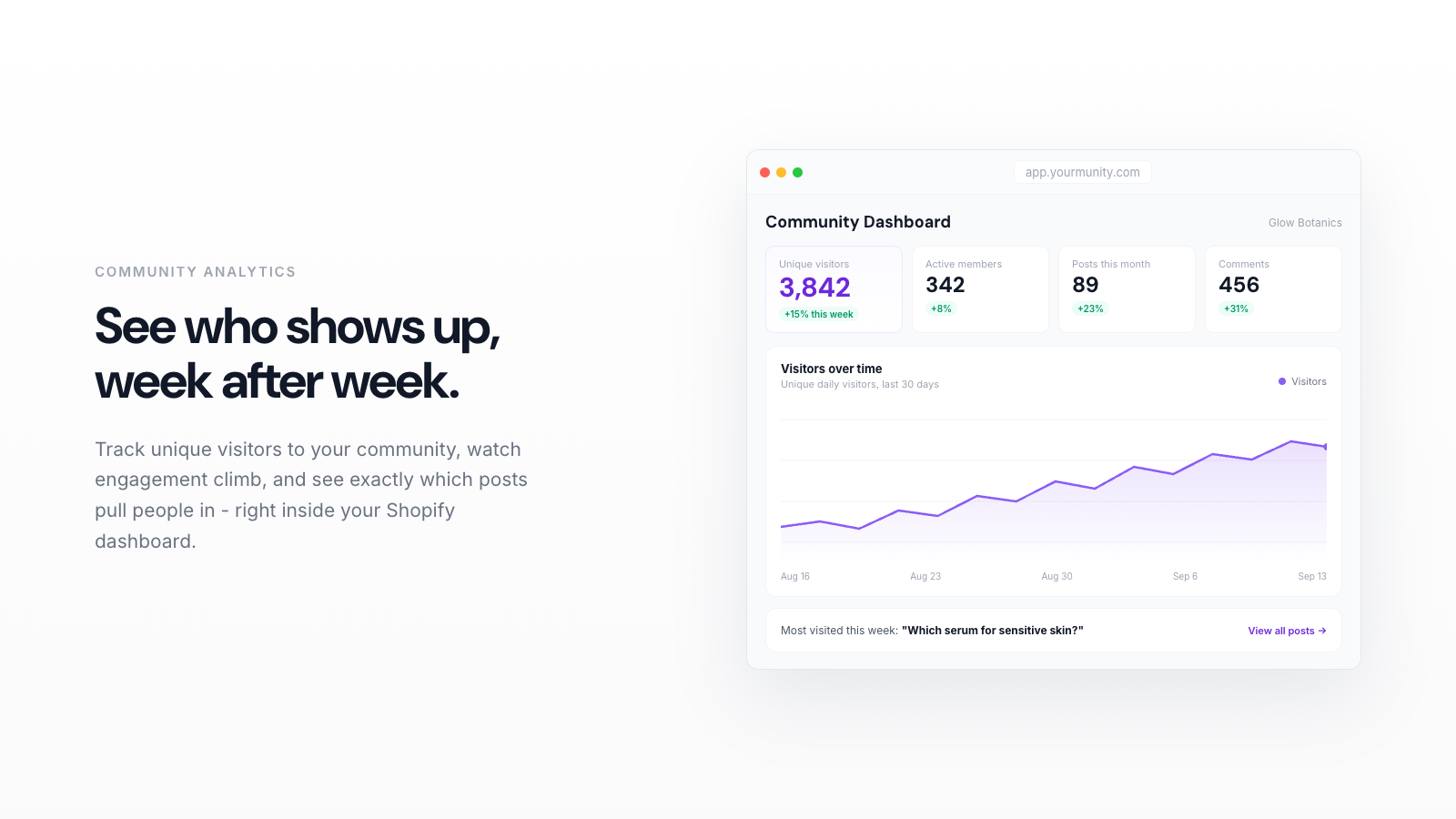
<h3>6. Let customers create indexable pages</h3> <p>A community or Q&A page on your domain (yourstore.com/community) turns customer questions, routines and photo reviews into real pages Google and Bing can index. Yourmunity does this with sitemap and structured data handled and IndexNow pings for new posts; Forum Innovate and Shopicial are alternatives that put a forum on the store. The point is not the forum, it is hundreds of specific, honest pages that an AI can quote.</p>
<h3>7. Earn mentions off your domain</h3> <p>AI answers cross-check stores against reviews and third-party pages. Collect reviews with Judge.me, Loox or Yotpo so ratings appear in structured data, answer real questions on Reddit where your product fits, and pitch one or two niche publishers. Do not buy placements; a few honest mentions beat a page of paid ones.</p>
<table> <thead><tr><th>Step</th><th>Where you do it</th><th>Time to effect</th><th>Cost</th></tr></thead> <tbody> <tr><td>ChatGPT sales channel</td><td>Shopify admin, Sales channels</td><td>Days after approval</td><td>Free</td></tr> <tr><td>Merchant feed (ACP)</td><td>OpenAI merchant program</td><td>Days to weeks</td><td>Free</td></tr> <tr><td>Clean product data</td><td>Products, theme settings</td><td>Next crawl</td><td>Your time</td></tr> <tr><td>Bing index + IndexNow</td><td>Bing Webmaster Tools</td><td>Hours to days</td><td>Free</td></tr> <tr><td>Weekly blog article</td><td>Online Store, Blog posts</td><td>4 to 12 weeks</td><td>Time or $9 to $20 app</td></tr> <tr><td>Community pages</td><td>Yourmunity, Forum Innovate</td><td>4 to 12 weeks</td><td>$0 to $19 a month</td></tr> <tr><td>Reviews and mentions</td><td>Judge.me, Reddit, press</td><td>Ongoing</td><td>Free to low</td></tr> </tbody> </table>
<h2>What to do this week</h2> <p><strong>Monday: check the channel.</strong> Open Sales channels in Shopify admin and look for ChatGPT or agentic storefront options. If it is there, connect it. If not, note the date and move on.</p> <p><strong>Tuesday: fix the ten products that matter.</strong> Rewrite titles and descriptions for your ten best sellers, add GTINs and weights, and confirm each page loads logged out with no password.</p> <p><strong>Wednesday: Bing.</strong> Create a Bing Webmaster Tools account, import from Search Console, submit the sitemap, enable IndexNow.</p> <p><strong>Thursday to Friday: one answer page.</strong> Write or generate one blog article that answers your most common pre-sale question, and open a community page so customers can start adding the next ones. On a store we run (GiftX), that routine produced about 1,400 Google impressions a day and about 150 clicks a week after six months. Velpaper, a wallpaper store we run, started the same routine on October 6, 2026 and reached 85 clicks and about 7,000 impressions in its second week (October 11 to 17), with 385 pages already getting impressions; results depend on your niche.</p>
<h2>Try Yourmunity</h2> <p>Yourmunity adds a customer community page on your own domain, where every post is a real indexed page, and on Pro it publishes a weekly SEO article about your products in your store blog. Free, Starter at $9 and Pro at $19 a month, with a 7-day trial on paid plans. <a href="https://apps.shopify.com/yourmunity">Install Yourmunity from the Shopify App Store</a>.</p>
