
Adding a community to your Shopify store means giving customers a real place to talk, post, and belong right on your own domain. The fastest path is to install a community app like Yourmunity, set it live at yourbrand.com/community, then link it from your header, product pages, and post-purchase emails so people actually find it.
Most stores treat a sale as the finish line. A customer buys, gets an order confirmation, and then disappears until they need something again, if they ever come back at all. A community changes that math. It gives buyers a reason to return that has nothing to do with a discount and everything to do with belonging. Here is how to add one to your Shopify store and, just as important, how to get people to actually use it.
1. Decide what your community is for
Before you install anything, get clear on the job your community does. This is not a rewards program and it is not a support inbox. It is a space where your customers post, vote, and comment about the thing you sell. Think of a coffee roaster whose customers swap brew ratios, or a skincare brand where people share before-and-after routines.
The clearest way to frame it: a community is a container that turns buyers into regulars. Every post lives on your domain, so the conversations, photos, and questions become content and first-party data you own, not something locked inside a social platform you rent. Write down one sentence describing why a customer would show up. You will reuse it everywhere.
2. Install a community app that lives on your domain
You have a few options to add community to Shopify, and they are not equal. A generic forum tool bolted onto a subdomain feels like leaving your store. A social media group means the platform owns your audience and their data. The approach that keeps everything yours is a native app that runs a feed right at yourbrand.com/community.
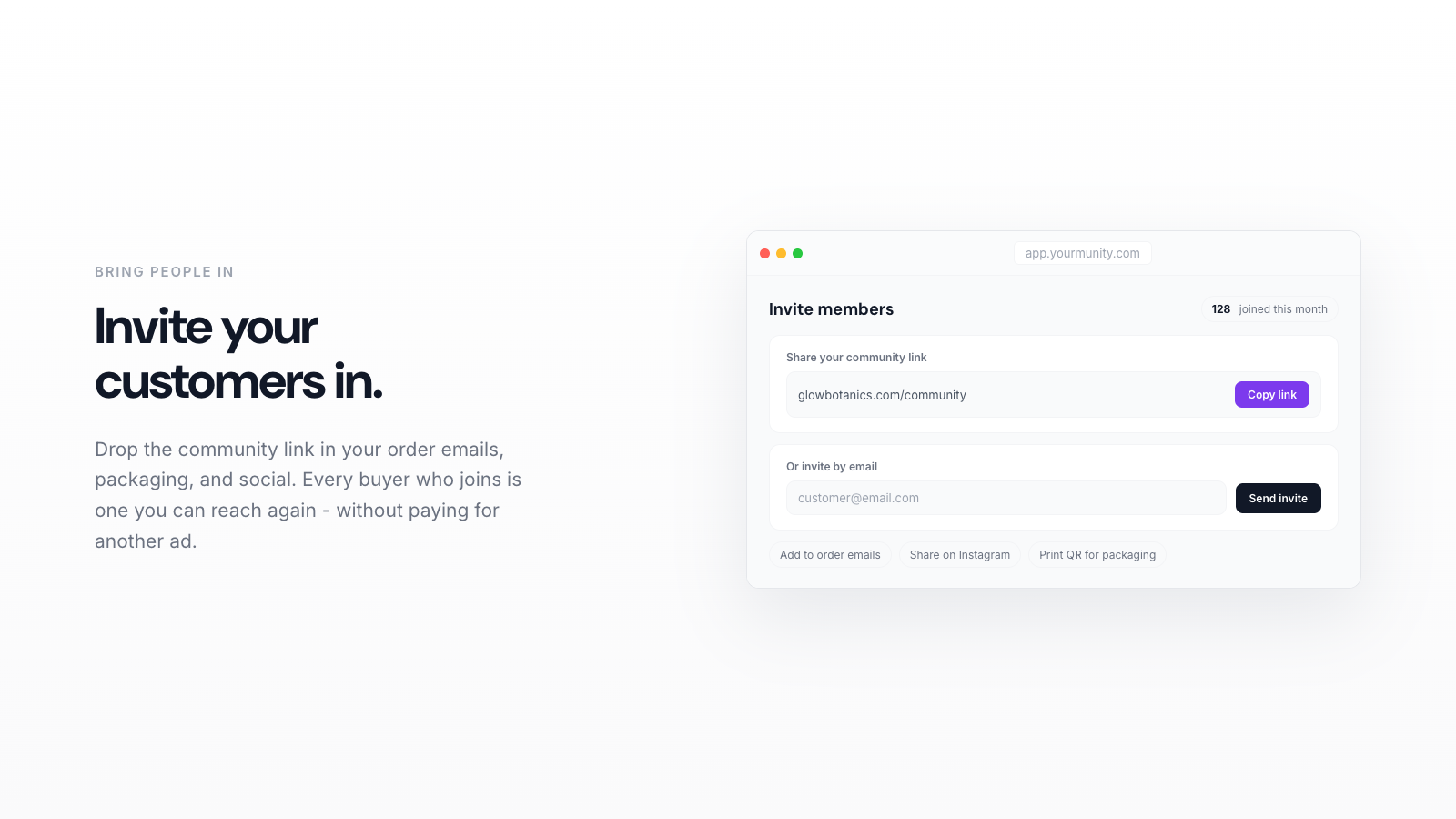
Yourmunity does exactly this. You add it from inside Shopify, and it stands up a Reddit-style feed on your own domain where customers post, upvote, and comment. There is no separate login world to manage and no traffic bleeding off to a third party. Setup takes minutes, not a redesign project, so you can have a live community page the same afternoon you decide to try it.
Yourmunity is free right now. Add your community to your Shopify store in minutes and start turning buyers into regulars.
Add to Shopify →3. Set up onboarding and post types
An empty feed with a blank text box scares people off. Structure fixes that. When a new member joins, give them a short identity onboarding, just a couple of quick questions that help them introduce themselves and feel like they belong before they post. It takes seconds and it makes the first post feel natural instead of intimidating.
Then guide what people write with intent tags. In Yourmunity every post carries one of four tags:
- Show & Tell for customers sharing what they bought or made
- Review for honest feedback on your products
- Idea for feature and product requests
- Question for the stuff your support inbox usually eats
These tags do double duty. They make the feed easy to scan, and they turn free-form chatter into organized user-generated content and product research you can act on.
4. Seed the first posts yourself
Do not launch to silence. Before you promote the community anywhere, plant five to ten posts so the first visitor sees a living space. Post a real Question your customers ask you often. Share a Show & Tell of a product in use. Ask for one Idea. Reply to yourself as the brand where it makes sense.
Then recruit a handful of your best customers privately. Email ten people who already love you, tell them you are opening something small, and ask them to make the first move. Early contributors set the tone for everyone who follows, so pick people who are warm and generous.
5. Promote the community across your store
This is where most communities quietly die. You built it, but nobody knows it exists. To promote your community store-wide, put links in the places customers already look:
- Main navigation. Add a "Community" link to your header menu so it sits next to Shop and About. This alone drives most of your early traffic.
- Product pages. Near the reviews, add a line like "See how customers use this in the community" with a link. It answers buyer questions and pulls people in at the moment of highest interest.
- Post-purchase email. Your order confirmation is your most-opened message. Add one sentence inviting the buyer to share what they got.
- Footer. A permanent link in the footer keeps the door open on every page.
- Homepage banner. A small section that shows a recent post or two signals the community is active.
Keep the invitation specific. "Join our community" is weak. "Show us how you styled it and get ideas from other members" gives someone a reason to click today.
6. Show up and reward contribution
A community is a habit, and habits need a rhythm. Commit to a light schedule you can actually keep: reply to every new post for the first month, ask one question a week, and highlight a member's post whenever something good appears. When customers see the brand paying attention, they post more.
Recognition beats points. Feature a top contributor on your homepage, send them a handwritten thank-you with their next order, or reply publicly with genuine enthusiasm. Belonging is what keeps people coming back, and belonging is built through attention, not transactions.
7. Watch the numbers that matter
Once it is live, measure whether the community is doing its job. Yourmunity gives you a dashboard with the metrics that tell the real story: unique visitors, your top contributors, retention over time, and the one number that usually surprises owners most, the purchase rate of members versus non-members.
That member-versus-non-member comparison is the whole case in a single figure. If members buy more often and stick around longer, your community is quietly paying for itself. Check it monthly, double down on the post types that draw the most engagement, and prune the invitations that are not converting.
Give it a season, not a week
A store's community does not explode overnight, and it should not. Give it a real season, keep seeding and replying, and let the early regulars pull in the next wave. The stores that win are the ones that treat the community as a place they tend, not a widget they installed. Add it, promote it honestly across your store, show up, and the buyers you already have will slowly turn into the regulars every brand wishes it had.