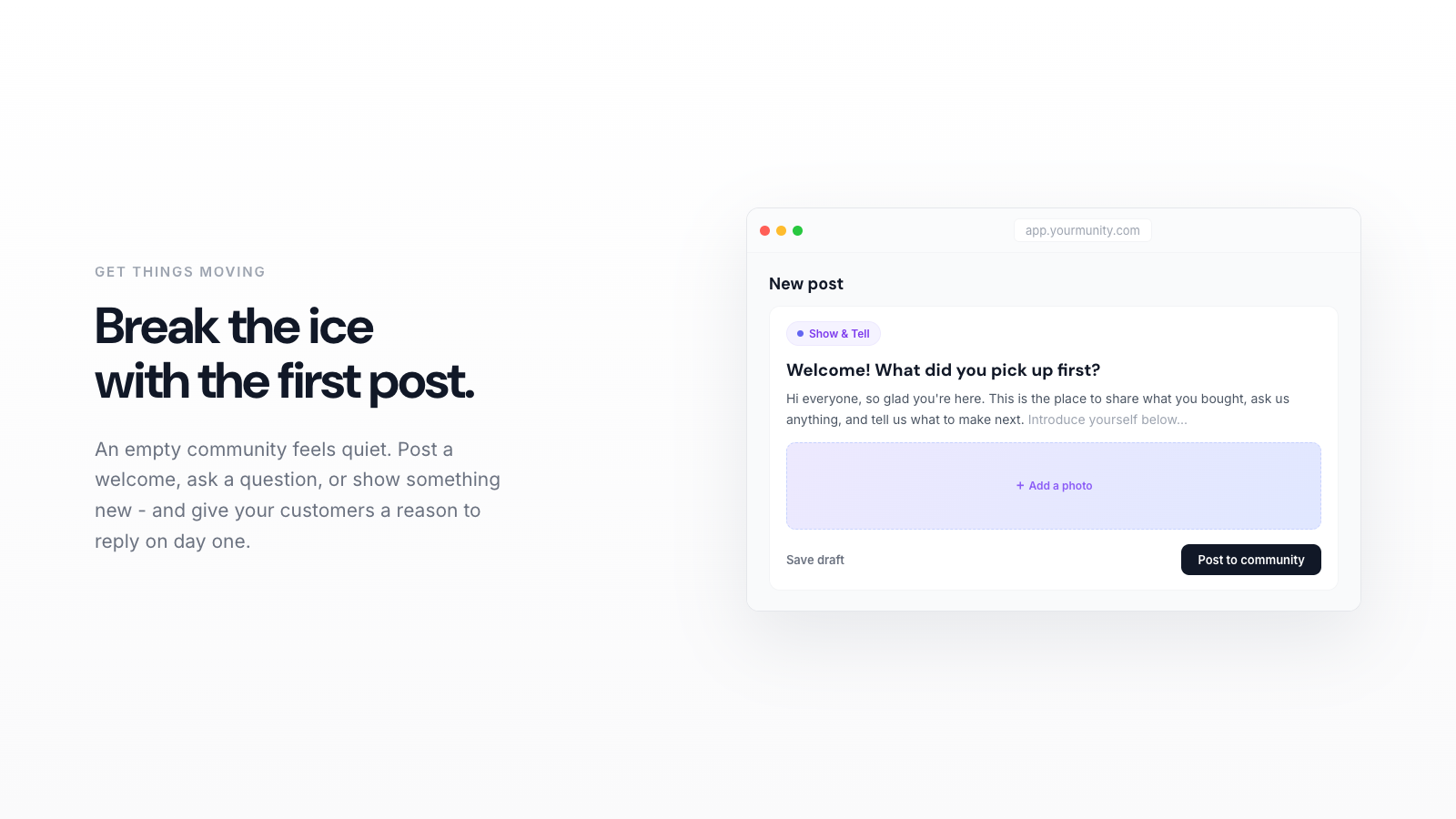
Your first community post should do one thing: make it obvious and easy for the next person to reply. The best openers are a warm welcome plus a low-effort question or a Show and Tell prompt, posted by you, the owner. Below are the exact ideas that work, why they work, and how to set them live in minutes.
You just turned on a community for your store and now you are staring at an empty feed. That blank space feels intimidating, but it is actually your biggest advantage. The first post sets the tone for everything that follows. Get it right and your customers learn, in about ten seconds, that this is a place where real people talk. Get it wrong and it reads like a support ticket queue nobody wants to open.
Here is the good news: the post that works is almost never clever. It is welcoming, specific, and easy to answer. Let's build yours.
1. Understand what a first post is actually for
A first community post is not an announcement. It is an invitation. Your job is to lower the bar for the very next person so replying feels like the natural thing to do, not a chore.
Think about the difference between these two openers. "Welcome to our community. Read the rules and enjoy." versus "Hey, quick one to kick things off: what was the first thing you ever bought from us?" The first is a wall. The second is a door. People answer doors.
This matters because early replies compound. The first five comments teach everyone else what normal looks like here. If your opener invites short, friendly answers, that is the culture you seed. Empty feeds stay empty; feeds with a few warm replies fill up on their own.
2. Post as yourself, the owner
Before you write a word, decide who is speaking. It should be you, a real person with a name and a face, not "The Team" or a brand mascot. Customers came to your store because of what you make. Hearing directly from the founder is a small thrill, and it signals that this space is watched and cared for.
A simple structure works every time: one line of warmth, one line of context, one question. That is the whole recipe. You do not need paragraphs. You need a reason to reply.
3. Steal these five first-post ideas
Every one of these maps cleanly to a post type, so members immediately understand what kind of reply you want. Pick one and run with it.
- The origin question (Question tag). "What made you try us the first time?" People love telling their own story, and you get gold-standard first-party insight into why customers actually buy.
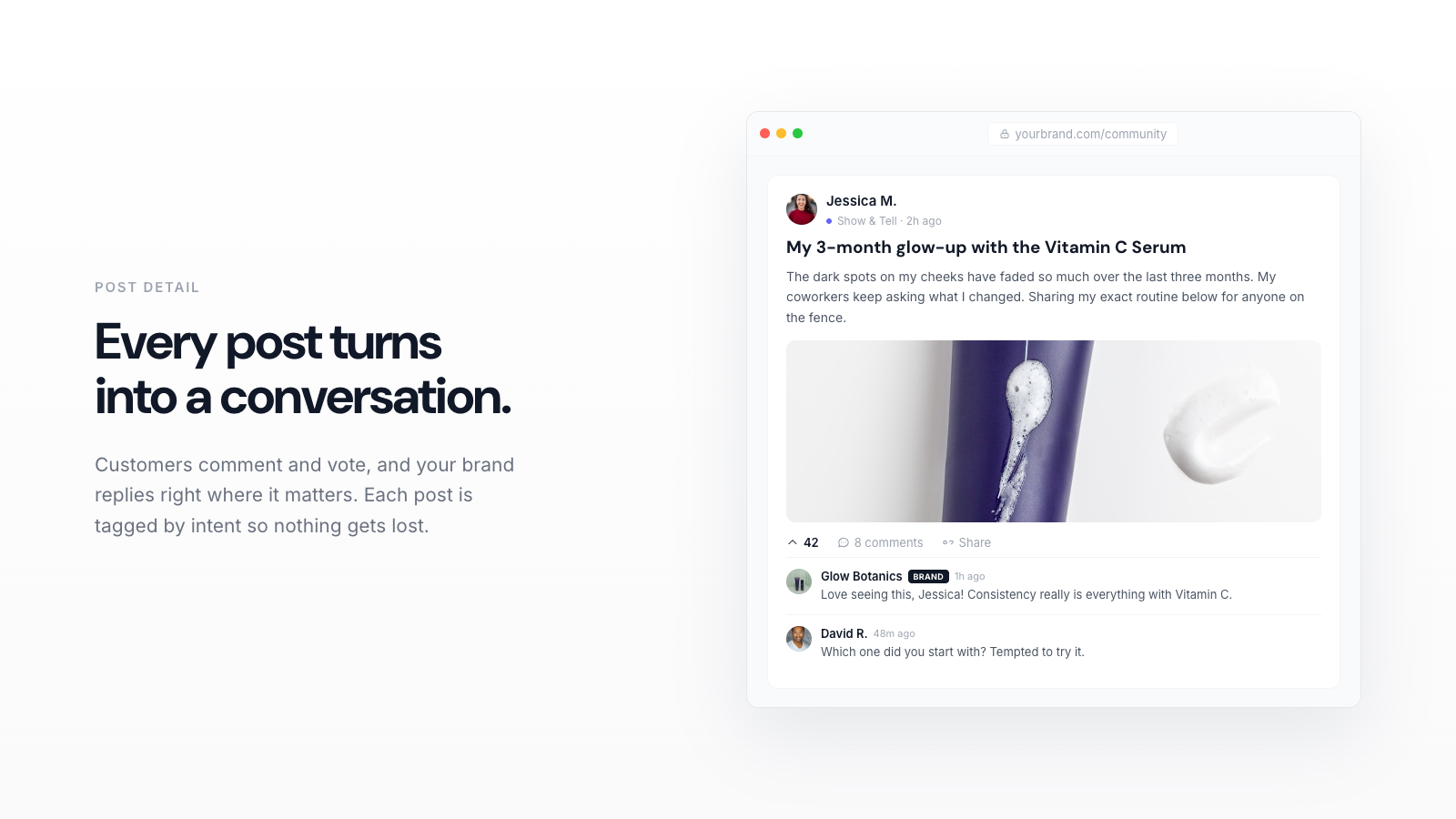
- Show and Tell your product in the wild (Show and Tell tag). "Post a photo of yours in your space, I'll go first." Then you post first. One real photo from you unlocks a dozen from them.
- The honest review ask (Review tag). "Tell me one thing you love and one thing you wish were different." This feels safe because you invited the critique, and it surfaces product feedback you would otherwise pay for.
- The wishlist prompt (Idea tag). "If you could add one product or one flavor or one color, what would it be?" Members feel heard, and you get a ranked demand list, straight from buyers.
- The quick win (Question tag). "What is your favorite way to use ours? Looking for tips to share." Turns customers into helpers and builds a tips library other shoppers will read for months.
Notice the pattern. Each one asks for a tiny amount of effort and gives the person a reason to care about their answer. That is the entire game.
4. Write it so it gets answered
Once you have picked an idea, tighten the wording. A few rules that reliably lift replies:
- Keep it under four sentences. Long posts read like homework. Short posts read like a conversation.
- Ask one question, not three. Stacked questions freeze people. One clear ask gets one clear answer.
- Answer your own question first. If you ask for a photo, post yours. If you ask for a story, share a two-line version of yours. You are modeling the reply you want.
- Tag it correctly. Choose the intent that matches, whether that is Show and Tell, Review, Idea, or Question. The tag tells members what kind of energy to bring, and it keeps your feed organized as it grows.
Because members complete a short identity onboarding before they join in, the people replying are real, named humans, not anonymous drive-bys. That changes the whole feel of the thread, and it means the answers you collect are worth reading.
Yourmunity is free right now. Add your community to your Shopify store in minutes and start turning buyers into regulars.
Add to Shopify →5. Seed the first replies on purpose
Do not publish and pray. Before you share the link widely, prime the pump. Reply to your own post from your personal account, then send it to five or ten of your friendliest repeat customers by email or DM with a personal note: "I just opened a community for the store and I'd love your take on this one." Warm invitations convert far better than a broadcast blast.
Aim for three to five replies in the first day. That is the tipping point where the thread starts to look alive to a stranger. Once a new visitor sees other customers chatting, they join without needing a nudge.
6. Show up for a week, then let it breathe
Momentum in the first week is everything. Reply to every single comment for the first seven days, even if it is just a thank you or a follow-up question. People who feel heard come back, and coming back is the whole point. A member who returns is worth far more than a one-time buyer, and it shows up in the numbers.
Speaking of numbers, this is where a community stops being a nice-to-have. Your dashboard shows the purchase rate of members versus non-members, unique visitors, your top contributors, and retention over time. When you can see that members buy more often and stick around longer, your first post stops being an experiment and becomes a channel you own, along with all the photos, reviews, and ideas your customers give you.
What to do right now
Pick one idea from the list. Write four sentences. Tag it. Post it as yourself, answer your own question, and quietly invite ten regulars. That is your first community post, and it is the first small step in turning a feed full of buyers into a room full of regulars who actually want to be there.